Insta360 Sphere | Compatible with Mavic Air 2/2S

Insta360 Sphere | Compatible with Mavic Air 2/2S

With 64GB Micro SD
$314.00
Skip to product information
Insta360 Sphere | Compatible with Mavic Air 2/2S

Insta360 Sphere | Compatible with Mavic Air 2/2S

$314.00
Type
  • Sphere is designed for experienced drone pilots. Please strictly follow all safety guidelines. Users are fully responsible for any issues that may arise during drone operation (unless caused by a product defect).
  • Compatible with Mavic Air 2/2S.
  • Standalone includes 1x Sphere, 2x Sticky Lens Guards, 2x Lens Caps, 1x Battery, 1x Charge Cable and 1x Lens Cloth.

Insta360 Sphere, the invisible drone 360 cam, is the ultimate solution to turn a DJI Mavic Air 2/2S drone into an all-powerful content production tool.

With the camera attached, the drone becomes totally invisible in 360-degree footage, while the lightweight structure and intuitive operation make 360 aerial filming easier than ever before.

Insta360 Sphere offers immersive footage, without the need to buy a new drone or have professional flying or editing skills. Powered by Insta360’s industry-leading software, Sphere unlocks endless ways to create killer content from drone footage.
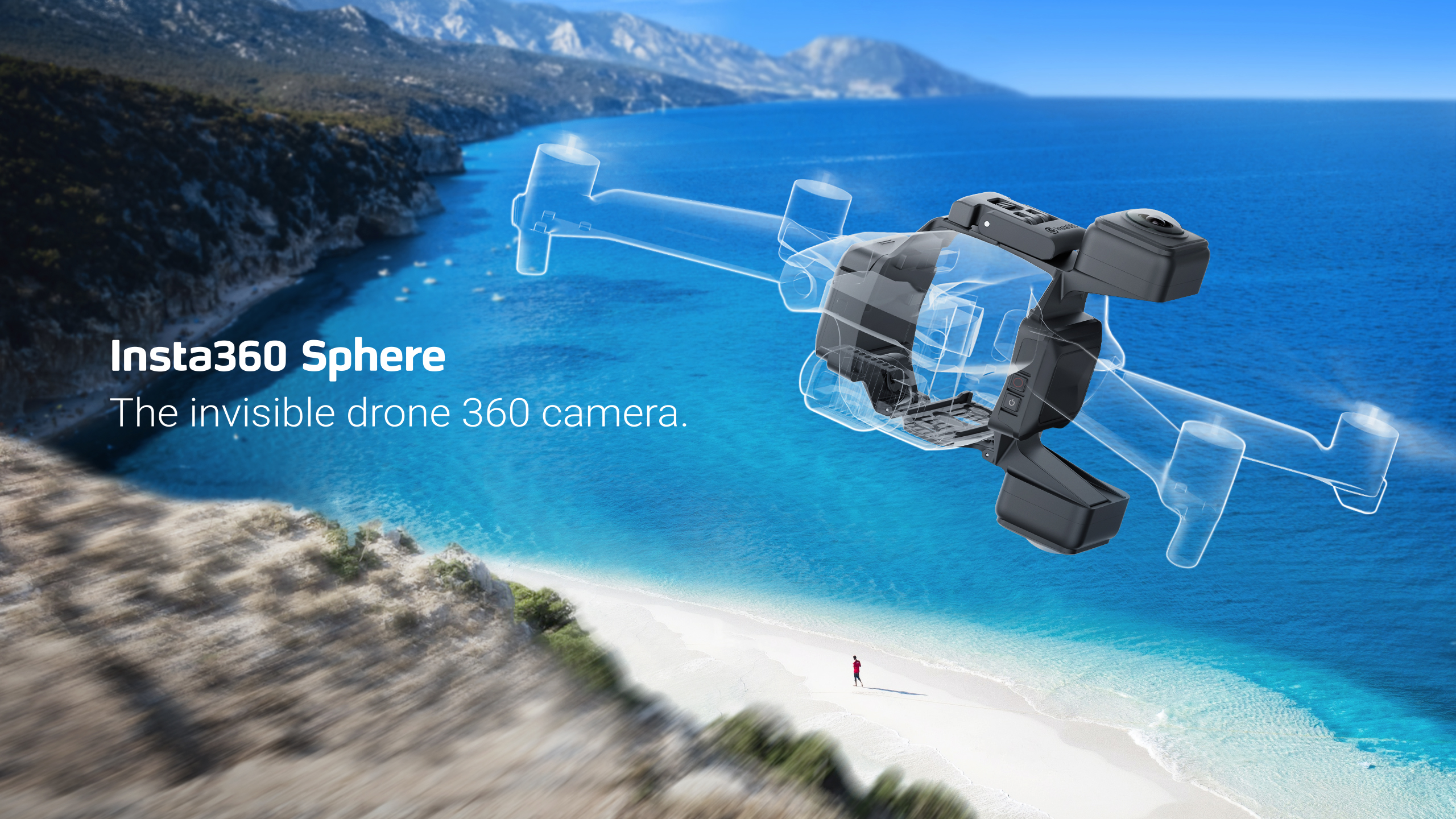
A truly invisible drone.

Many drone users are accustomed to mounting a 360 camera above or below their drone to get 360-degree footage. But since 360 cameras film in all directions, this means that half of the video is often obstructed by the drone itself, requiring tedious post-processing or paid video editing software to remove it.

With Insta360 Sphere, the camera’s lenses are precisely mounted on either side of the drone to ensure the drone is invisible in the resulting footage. Insta360’s proprietary dynamic stitching algorithm makes the whole drone (including the propellers) disappear automatically, leaving the user with glorious, uninterrupted shots.

Smooth flight, smoother shots.

Killer image stabilization is crucial to getting immersive aerial footage. Insta360’s proprietary FlowState Stabilization technology has been fine-tuned for Insta360 Sphere to ensure super steady aerial footage, no matter the conditions.

Perfectly compatible.

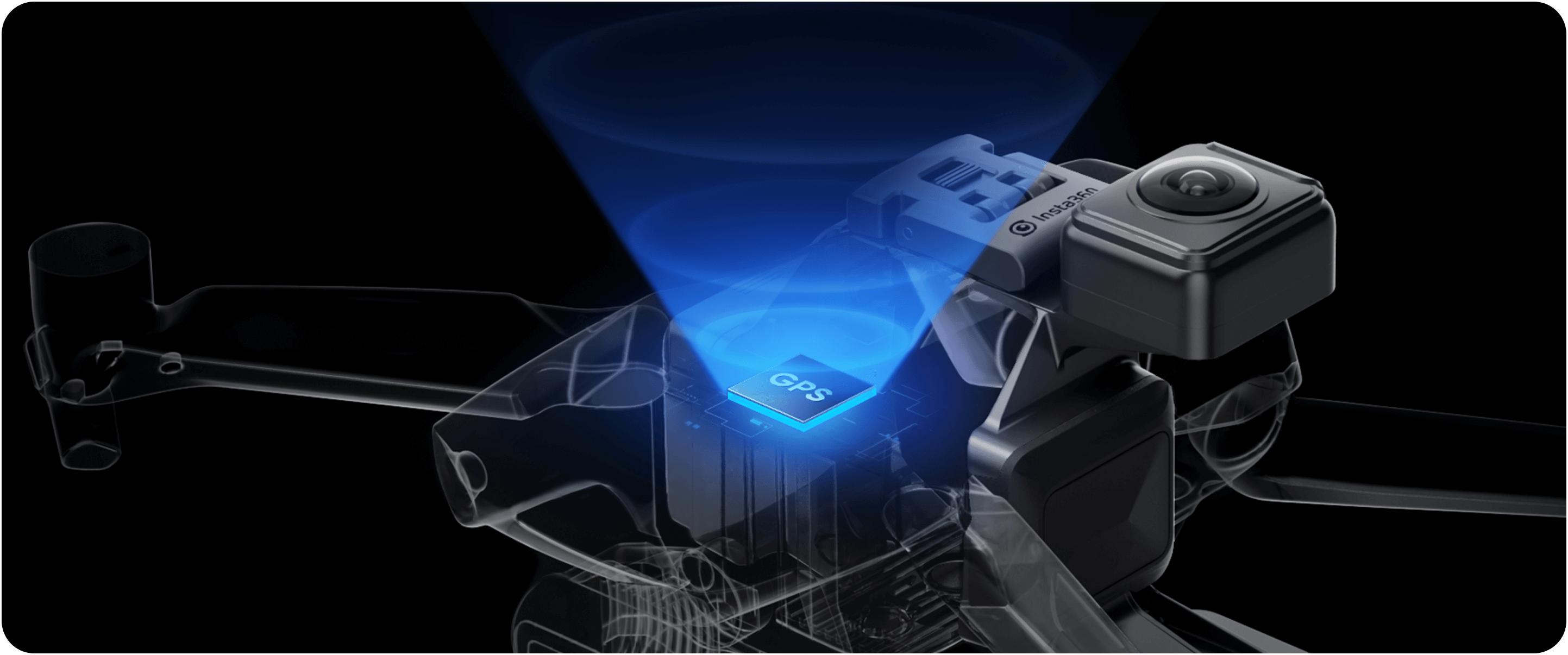
The camera is compatible with the Mavic Air 2/2S and attaches to the drone with an ultra-secure locking mechanism. There is zero impact on the drone’s structural integrity, and it doesn’t impede the GPS signal or remote control system.

Powerful AI editing suite.

Sphere represents a continuation of Insta360’s mission to help people capture and share their lives better, making Insta360’s industry-leading 360 reframing and editing software accessible to a wider range of creators. Sphere users can edit their videos using the same AI-powered features as the Insta360 ONE Series in the Insta360 app. Creative effects like barrel rolls and dolly zooms are as easy as a tap.
Specs:

Aperture

F2.0

35mm Equivalent Focal Length

7.2mm

Photo Resolution

6080x3040 (2:1)

Video Resolution

5760x2880@30/25/24fps,

3840x1920@50/30fps,

3008x1504@100fps

Photo Format

· insp

· RAW (dng) (RAW files require software on PC/Mac to export.)

Video Format

insv (can be exported via App or Studio)

Photo Modes

Standard, HDR, Interval, Night Shot, Starlapse, Burst

Video Modes

Standard Video, HDR, Timelapse, TimeShift, Bullet Time, Loop Recording

Color Profiles

Standard, Vivid, LOG

Weight

192g (battery included)

Dimensions (W x H x D)

110x125x63mm

Run Time

48 minutes

*Tested in lab environment under 5.7K@30fps mode

Max Video Bitrate

100Mbps

Gyroscope

6-axis Gyroscope

Compatible Devices

iOS Devices:

Compatible with iOS mobile devices with chips A11 or above and iOS version 11.0 or above, including iPhone SE 2, iPhone 8, iPhone 8 Plus, iPhone XR, iPhone XS, iPhone XS Max, iPhone X, iPhone 11, iPhone 11 Pro, iPhone 11 Pro Max, iPhone 12, iPhone 12 Pro, iPhone 12 Pro Max, iPhone 12 mini, iPhone 13, iPhone 13 Pro, iPhone 13 Pro Max, iPhone 13 mini, iPad Air (2020), iPad Pro and newer iPad models.

Android Devices:

Compatible with Android mobile devices that meet the following capabilities, including:

• Android devices with Kirin 980 and above chips, including Huawei Mate 20, P30 or newer models.

• Android devices with Snapdragon 845 and above chips, including Samsung Galaxy S9, Xiaomi Mi 8 or newer models.

• Android devices with Exynos 9810 and above chips, including Samsung Galaxy S9, S9+, Note9 and newer models.

• Android devices with Tensor chips, including Google Pixel 6.

Note:

1. Devices that do not meet the above requirements may still be able to use the app to control the camera, however, performance of some processor-intensive and AI-powered features may be sub-optimal.

2. After testing, phones equipped with Qualcomm SDM765 5G chips have poor hardware decoding capabilities and are not supported for use, such as OPPO Reno 3 5G.

3. App installation requires a mobile phone with a 64-bit system. A 32-bit system does not support app installation.

4. The Snap Wizard feature is only compatible with iPhone 8 or above models (A11 or above chips); iPads with M1 chips; and Android devices with Kirin 990 and above chips (e.g. Huawei Mate 30 and above), Snapdragon 855 and above chips (e.g. Google Pixel 4/Xiaomi Mi 9 and above), or Exynos 990 and above chips (e.g. Samsung Galaxy S20 and above).

Exposure Value

±4EV

ISO Range

Photo: 100-3200

Video: 100-3200

Shutter Speed

Photo: 1/8000 - 120s

Video: 1/8000 - to the limit of frames per second

White Balance

2700K-6500K

Bluetooth

BLE4.2

Wi-Fi

2.4GHz

USB

Type-C (charge only)

MicroSD Card

exFAT formatted microSD cards with the UHS-I bus interface and Video Speed Class V30 rating (exactly this class, neither higher or lower) with a max storage of 1TB are recommended.

Battery Capacity

1050mAh

Charging Method

Type-C USB

Charging Time

100 minutes (powered off)

Operating Temperature

23°F to 104°F (-5℃ to 40℃)

Important notes
1. Insta360 Sphere is not waterproof. Please do not use the camera in or around water, or on rainy days.2. Before use, please check that Sphere and the drone are correctly installed, in particular that Sphere’s lock lever is properly fastened. For further details, please refer to the manual.3. Before takeoff, please prepare the included landing pad on the ground and wipe away any dirt or debris on the surface of the pad. This is to protect Sphere’s lenses during takeoff/landing.4. Always take off in an open, outdoor area (to minimize signal interference). Keep a safe distance of 5-10 meters between the drone and anyone present in the area.5. In order to maintain control of the drone and prevent injury, do not attempt a hand takeoff or landing.6. Do not fly at an altitude of more than 1000 meters. High-altitude environments reduce the power redundancy of the aircraft and can easily lead to flight accidents.7. Do not fly in harsh weather conditions or environments, such as thunderstorms, strong winds, and extreme cold. Do not fly when the wind speed is greater than 9m/s (level 5 on the Beaufort scale).8. Fly cautiously in low-temperature environments. When the temperature is lower than -5°C, Sphere’s battery performance will be adversely affected. Battery life may be greatly reduced or even shutdown.9. Check the GPS signal strength of the drone before taking off and always fly the drone in GPS mode when using Sphere. It is not recommended to fly in altitude mode as this increases the risk of accident during the flight.10. Sphere is compatible only with Mavic Air 2/Mavic Air 2S. The camera cannot be modified to enable use with other drone models.11. If there is a sudden, strong wind during a flight and the drone app gives any warnings related to the motor being overloaded or similar, return the drone to home and land as soon as possible.12. Pay attention to the remaining battery life while flying. When the drone provides a battery warning (in the yellow area), immediately return the aircraft to home and land.

You may also like